Solar Power for Insulin Pump (Omnipod): Is Charging Safe?
 By Lee Arnold
Medical Solar Power Backup Specialist | 8+ years in the field
Quick Answer:
The Pod itself never needs charging — it’s a disposable, wearable device replaced every 72 hours with its own built-in battery. Only the Omnipod 5 Controller, if you use one instead of a compatible smartphone, needs charging.
Solar power for insulin pump Omnipod charging is safe, with one real condition: Omnipod’s own safety documentation warns against third-party chargers and cables, since the original adapter is “designed to limit the power to safely charge the battery.”
The safe setup is to plug your original Omnipod charging adapter into a solar generator’s AC outlet — not to plug the Controller’s cable directly into the generator’s bare USB port.
Most “can I charge X with a solar generator” content treats every device the same: plug it in, done. Omnipod is a case where that generic advice actually skips a real safety detail specific to this device.
Table of Contents
What Actually Needs Charging (It’s Probably Not What You Think)
The Pod — the small, adhesive device worn on the body that actually delivers insulin — never needs charging. It has its own sealed, non-rechargeable battery built in, and gets replaced entirely every 72 hours. There’s nothing to plug in.
What does need charging is the Omnipod 5 Controller, a separate handheld device some users carry to manage the system. If you use a compatible smartphone instead of the Controller, you’re just charging your phone — no Omnipod-specific concerns apply at all.
This guide is specifically about Controller charging, since that’s the piece with any real question attached to it.
The Real Safety Detail Most Guides Would Miss
Omnipod’s own safety documentation is direct about this: “Use ONLY the charging adapter and orange or black charging cable that came with your Controller, as they are designed to limit the power to safely charge the battery.” It goes further, warning that third-party accessories “may allow much higher power, increasing the risk of overheating, spark, or fire.”
That warning isn’t about solar power specifically — it’s about the charging adapter and cable, whatever the power source behind them is. Which means the actual question isn’t “is a solar generator safe,” it’s “am I still using the original adapter and cable.”
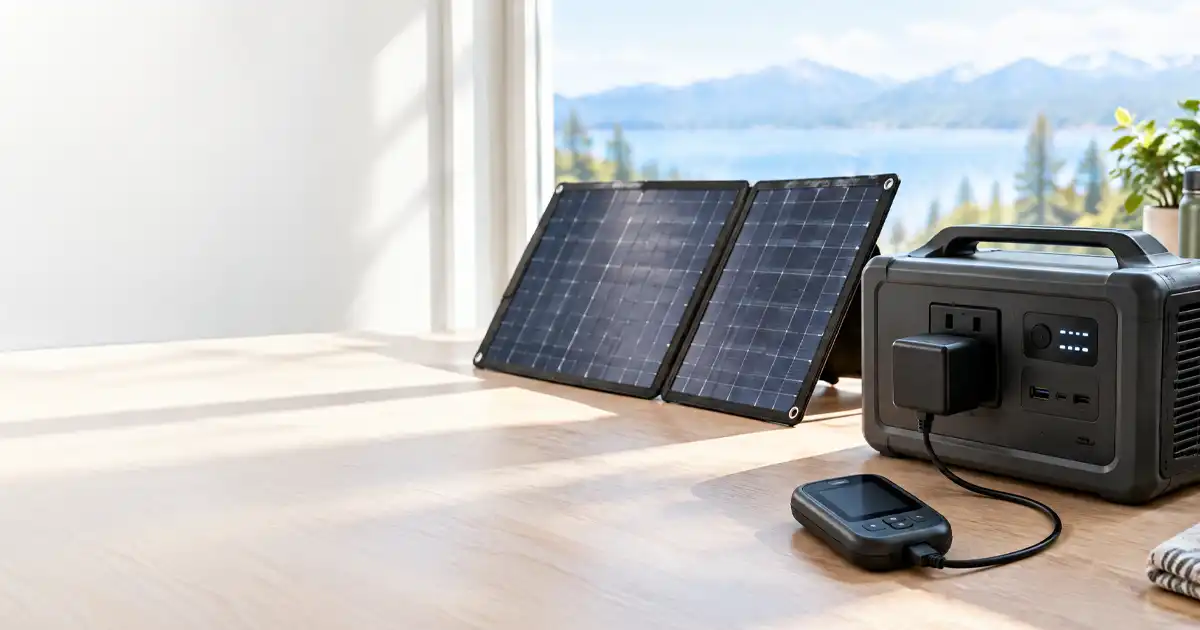
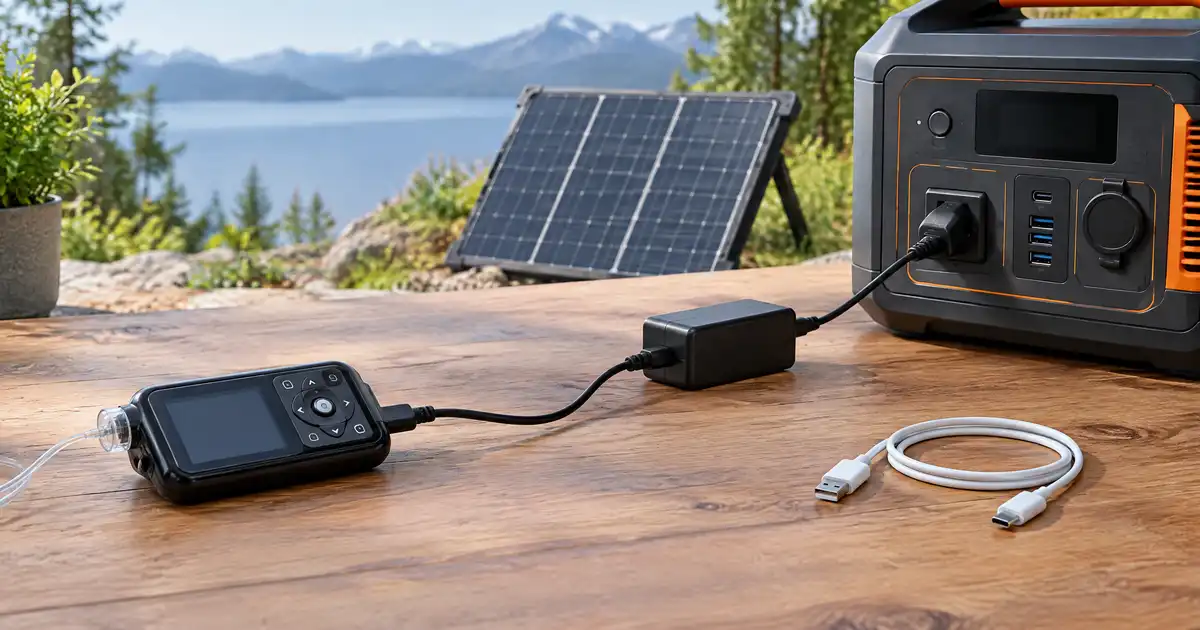
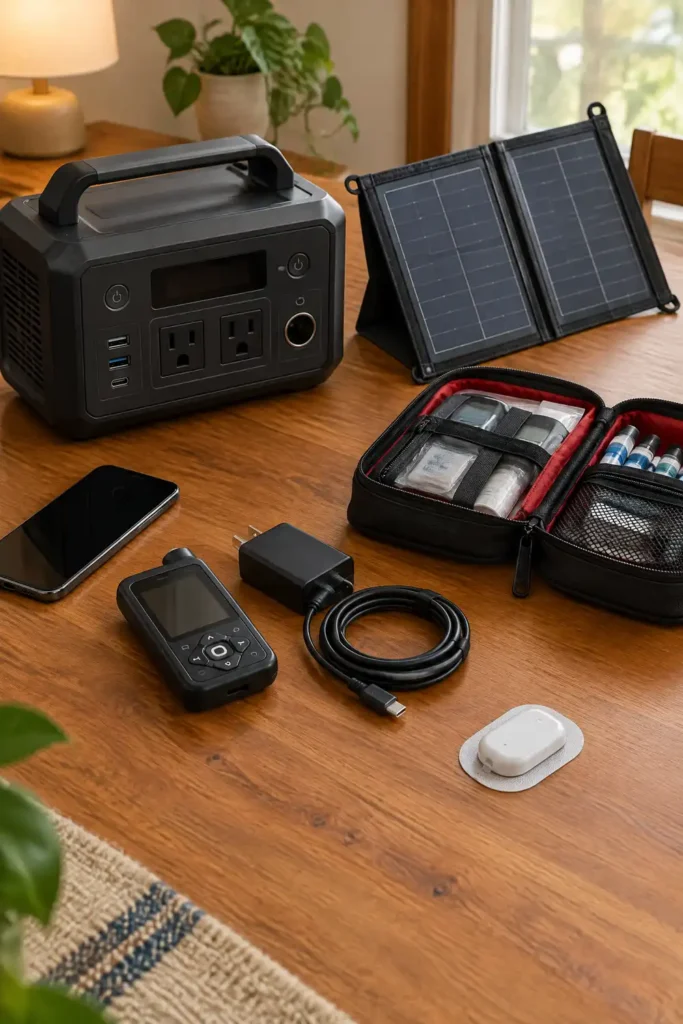
The safe setup: plug your original Omnipod charging adapter into your solar generator’s AC outlet, exactly like you’d plug it into a wall outlet at home. The adapter is still doing the same job of regulating power — the solar generator is just supplying the electricity behind it, the same way the wall does.
What to avoid: plugging the Controller’s charging cable directly into a power station’s bare USB-A or USB-C port without your original adapter in the loop. That bypasses the exact component Omnipod’s warning is about.
Why Sine Wave Purity Isn’t the Issue Here
Other guides on this site cover pure-sine-wave-versus-modified-sine-wave power for medical equipment, since that distinction matters for larger AC-powered devices like CPAP machines and oxygen concentrators. It’s largely irrelevant here.
The Controller charges over USB, a low-voltage DC connection. Whether you charge it through your original adapter plugged into the generator’s AC outlet, or a power station’s dedicated USB port, the actual charging circuit is regulated DC power, not raw AC waveform. The adapter-versus-no-adapter distinction above is the real safety question for this device, not sine wave quality.
Temperature Still Matters While Charging
The electrical connection isn’t the only thing that matters while charging — Omnipod’s own Controller user guide specifies real temperature limits. During use, the Controller shouldn’t exceed 104°F (40°C) or drop below 41°F (5°C). In storage, those limits tighten to 86°F (30°C) on the high end and 32°F (0°C) on the low end.
This matters specifically for solar charging, since solar panels sit in direct sunlight by design. A Controller left charging on top of or right next to a sun-heated panel on a hot day can realistically exceed that 104°F operating limit, even if the generator itself is working perfectly.
Charge the Controller in shade or indoors, with the panel doing its job outside, rather than setting both in direct sun together.
For the broader picture on insulin’s own temperature sensitivity — a separate question from the pump hardware — see our insulin pump temperature safety guide, which covers Tandem, Medtronic, and Omnipod DASH devices in depth.
Practical Setup for an Outage
A few things make this straightforward during an actual power outage:
- Bring your original Omnipod charging adapter and cable, not just any USB cable you have around — this is the one piece worth keeping with your emergency supplies specifically.
- Use the generator’s AC outlet for the adapter, not a bare USB port, to stay inside Omnipod’s own charging guidance.
- Keep the Controller out of direct sun while it charges, even if the panel itself needs full sun to work.
- If you use a compatible smartphone instead of the Controller, standard phone-charging practices apply — no special Omnipod considerations beyond keeping the phone itself within a reasonable temperature range.
Anker 521 – The Power Station We’d Actually Recommend for This

Most solar generators covered on this site are sized for CPAP machines or oxygen concentrators — hundreds of watts, built to run a device continuously for hours. Charging an Omnipod Controller is a tiny load by comparison, so a right-sized pick matters more than raw capacity here.
The Anker 521 PowerHouse (256Wh, LiFePO4) is our pick specifically for this use case. It has two real AC outlets — not just USB ports — which is exactly what this guide’s safe-charging setup calls for: plugging your original Omnipod adapter into an AC outlet rather than bypassing it with a bare USB connection.
Solar panel note: this unit is sold as power-station-only, with compatible panels available separately. For Controller charging alone, that’s not a real drawback — you can charge the unit itself from a wall outlet, a car, or an add-on panel, and it’ll hold enough charge to top off a Controller many times over between recharges.
Pros:
- Two genuine AC outlets, so the original Omnipod adapter works exactly as intended
- LiFePO4 chemistry — the same longer-life, more thermally stable battery type covered elsewhere on this site
- Small and light enough to keep in an emergency kit without a second thought
- 256Wh is far more capacity than Controller charging alone needs, leaving headroom for a phone, a headlamp, or other small devices during the same outage
Cons:
- No AC outlet is a dealbreaker for some smaller/cheaper competitors in this size class — this unit avoids that, but it’s worth checking before buying any alternative, since plenty of similarly-sized units are USB-only
- Sold without a solar panel, so budget for one separately if you want true off-grid recharging rather than wall/car charging alone
- 256Wh is overkill if Controller charging is truly the only thing you’ll ever run on it — but the headroom is cheap insurance during a longer outage
Why You’ll Love It: The two-AC-outlet design is the whole reason this pick works for Omnipod charging specifically. A lot of compact power stations in this price range cut the AC outlet to save cost, which quietly forces you into exactly the bare-USB charging setup this guide recommends against.
Our Favorite Feature: The unibody design and independent battery compartment construction, which matters more than it sounds like for something that might sit untouched in an emergency kit for months and needs to actually work when you finally need it.
Compatibility Check: Works with the original Omnipod Controller charging adapter through its AC outlets, exactly like a wall outlet would. Also charges phones and small electronics via its USB-A and USB-C ports if you’re using the smartphone option instead of the Controller.
Setup & Charging Notes: Charges via wall outlet, car outlet, or a compatible solar panel (sold separately). Keep it topped off in your emergency kit rather than letting it sit fully depleted for long stretches, which extends LiFePO4 cell life.
What Others Are Saying: Best Buy’s listing shows a 4.8 out of 5 star rating, a strong showing for this category.
Warranty & Returns: Anker backs this unit with a 5-year full-device warranty, longer than many competitors in this size class — worth factoring in for something meant to sit ready for an emergency rather than see daily use.
HSA/FSA Note: As backup power for a prescribed medical device’s charger, this can qualify as a deductible expense under IRS Publication 502 with a letter of medical necessity — see our template for this.
Pricing changes — check current price on Amazon before buying.
FAQs
Can I charge my Omnipod 5 Controller with a solar generator?
Yes, as long as you use your original Omnipod charging adapter and cable, plugged into the generator’s AC outlet. Omnipod’s own safety guidance is about the adapter and cable, not the power source behind them.
Is it safe to plug the Controller’s cable directly into a power station’s USB port?
It bypasses the original adapter that Omnipod’s safety documentation specifically says is “designed to limit the power” for safe charging. Using the AC-outlet-plus-original-adapter setup instead keeps you within their explicit guidance.
Does the Omnipod Pod itself ever need to be charged?
No. The Pod has its own built-in, non-rechargeable battery and is replaced every 72 hours. There’s nothing to plug in or charge on the Pod itself.
Do I need a pure sine wave power station to charge the Controller safely?
Not for this specific device. Sine wave quality matters for larger AC-powered medical equipment, but Controller charging happens over a regulated DC USB connection, so it isn’t the relevant factor here.
What temperature is too hot for charging the Controller?
Omnipod specifies the Controller shouldn’t exceed 104°F (40°C) during use or 86°F (30°C) in storage. Since solar panels sit in direct sun by design, keep the Controller itself in shade while it charges.
Bottom Line
Solar power for insulin pump Omnipod charging comes down to one real detail most guides skip entirely: use your original Omnipod adapter and cable, plugged into the generator’s AC outlet, rather than the Controller’s cable straight into a bare USB port. That keeps you inside Omnipod’s own explicit safety guidance regardless of what’s supplying the electricity.
Keep the Controller itself out of direct sun while it charges. And if you use a phone instead of the Controller, none of this applies — it’s just a phone.
HSA/FSA Note
Backup power equipment purchased to keep prescribed medical device chargers running during an outage can often qualify as a deductible medical expense under IRS Publication 502, typically with a letter of medical necessity. Our letter of medical necessity template walks through that document and process.
This article reflects Omnipod’s official Controller user guide and safety documentation current as of October 2026 . Always follow the charging instructions specific to your device and consult Omnipod’s official guidance for anything not covered here. This is not medical advice; consult your care team about your specific insulin pump setup.