Medical Power Supply Adapter: How to Actually Verify Compatibility
 By Lee Arnold
Medical Solar Power Backup Specialist | 8+ years in the field
Quick Answer:
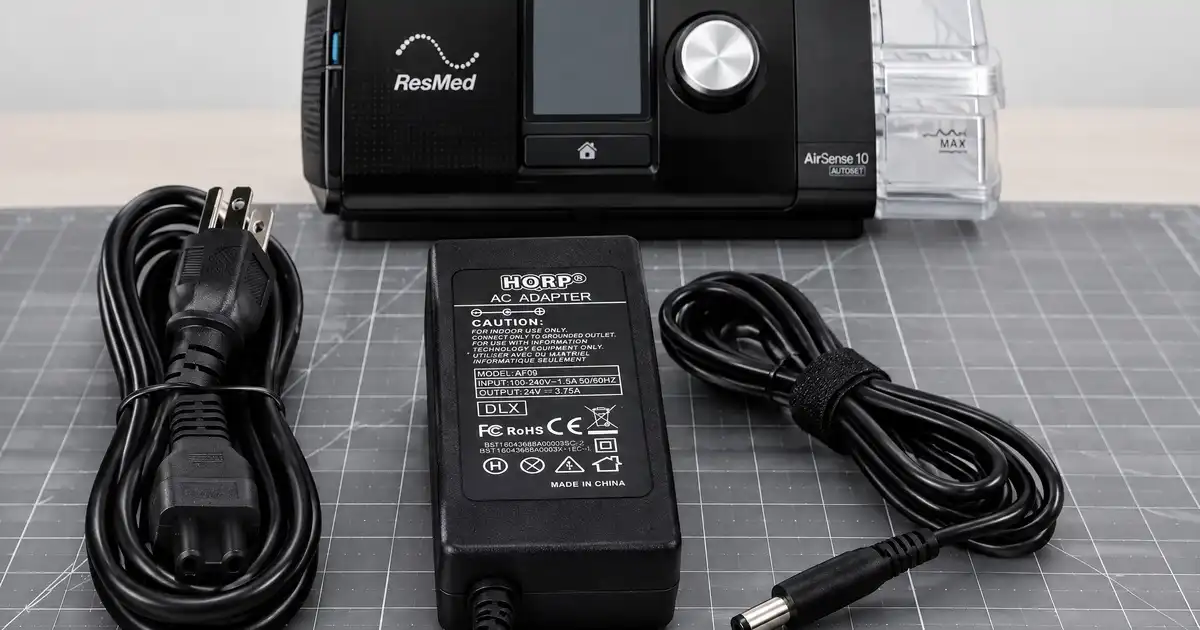
Most CPAP and oxygen concentrator power supplies already auto-sense 100–240V AC, so international travel usually only needs a plug-shape adapter, not a voltage converter. The real compatibility risk isn’t wall voltage — it’s the DC output side: the voltage, amperage, and connector size vary by brand and model, and they are not interchangeable just because two devices look similar. A ResMed AirSense 10 adapter outputs 24V at 3.75A; an Inogen Rove 6 adapter outputs 24V at 5A; a DreamStation 2 supply is rated 65W. A mix-up here isn’t a minor inconvenience — it can mean a device that won’t charge, or in some cases, damage to the unit.
Every source I found on this exact topic is a retailer’s product catalog — a long list of adapters for sale by brand, with no explanation of how to verify you’re buying the right one before you click purchase. That’s the actual gap here, so this is built as a compatibility guide first, with verified products second.
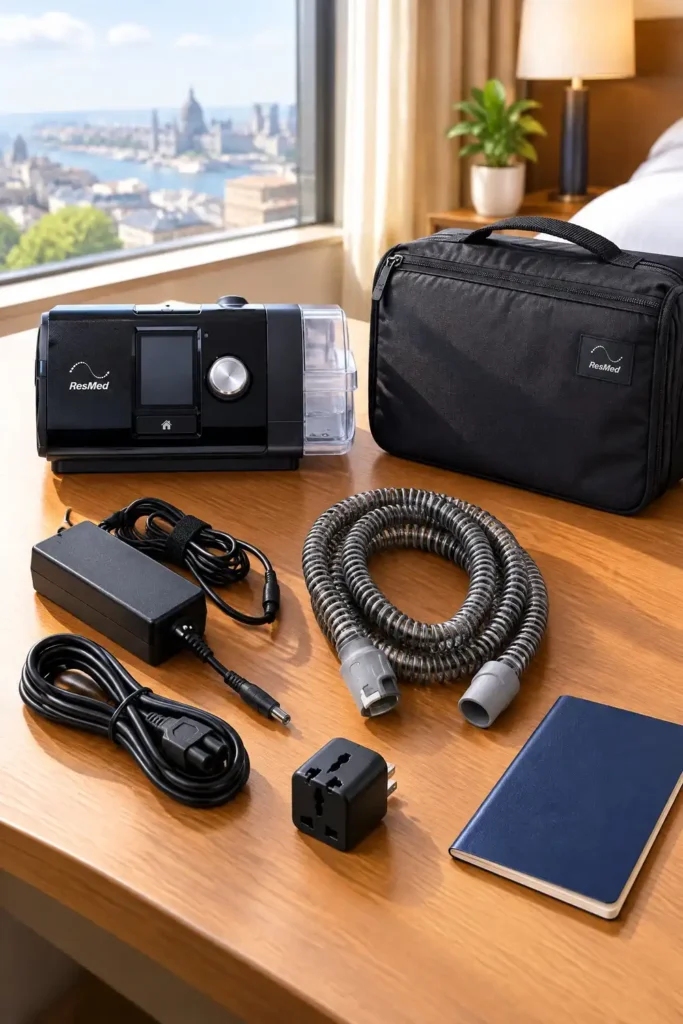
Table of Contents
Why “Universal” Adapters Are Riskier Than They Sound for Medical Devices
A universal laptop charger works across brands because laptops broadly tolerate a range of input voltages and the charger negotiates the right output automatically. Medical device power supplies generally don’t work this way — they’re built to a fixed output spec (a specific voltage and maximum amperage) for one device family, and the connector itself is often sized or shaped slightly differently between brands specifically to prevent cross-compatibility.
A power supply rated for the wrong voltage can fail to charge the device, trip its internal protection circuit, or in some cases cause damage — this isn’t a “close enough” category of product. Marketing language like “compatible with most CPAP machines” on a generic listing is worth reading skeptically rather than taking at face value; the safest assumption is that a replacement is compatible with the specific models it lists by name, and nothing else.
How to Verify Compatibility Before You Buy
1. Find your original power supply’s printed specs. Every AC adapter has its input and output ratings printed directly on the brick itself — voltage, amperage, and often wattage. This is the ground truth, more reliable than a device manual that may cover multiple product generations.
2. Match voltage and amperage, not just wattage. Two adapters can share the same wattage rating (say, 90W) while outputting different voltage and amperage combinations that aren’t interchangeable — 24V at 3.75A and 18V at 5A both round to 90W but are not the same output.
3. Check the connector, not just the electrical spec. Even a correctly-rated adapter can have a barrel connector that’s a different diameter or polarity than your device needs. A listing that names your exact model by name, not just your device category, is the safer bet.
4. When in doubt, buy from a listing that names your specific model. A listing titled “Replacement for ResMed AirSense 10, AirCurve 10, S10” is verifying compatibility for you against named devices. A listing titled “Universal CPAP Power Adapter” with no model list is asking you to verify it yourself, with less information to go on.
AC Voltage and International Travel
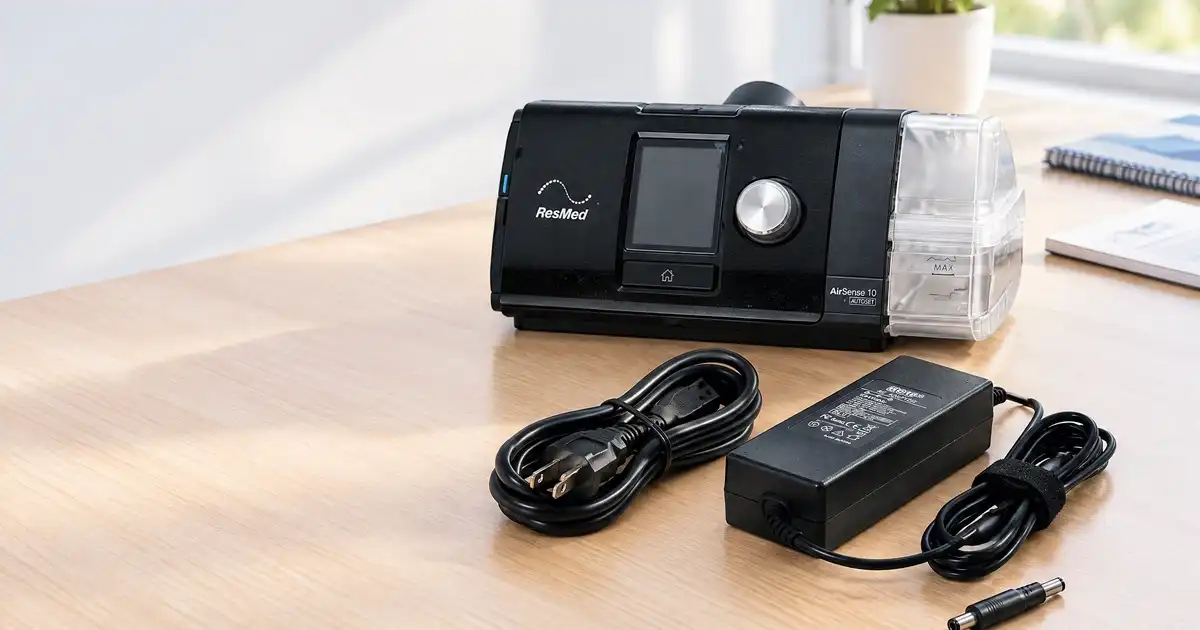
This is where most retailer catalogs create confusion by selling country-specific cords without explaining why. Most current CPAP and oxygen concentrator power supplies — confirmed across ResMed, Philips, and Inogen’s own published specs — already accept 100–240V AC at 50–60Hz, which covers essentially every country’s wall voltage automatically. What changes between countries is the physical plug shape, not the voltage your device needs.
In practice, that means: for most modern devices, a simple plug-shape adapter (the kind that changes prong shape without converting voltage) is all international travel requires. A dedicated voltage converter is generally unnecessary and, for auto-sensing devices, unhelpful. The exception worth checking: older devices or DC-only adapters that explicitly state a fixed voltage range rather than “100–240V” — those do need real voltage conversion, not just a plug adapter.
Real Specs by Device
Pulled from the specific devices I’ve verified in depth elsewhere on this site, and manufacturer-published specs where available:
| Device | AC Input | DC Output | Notes |
|---|---|---|---|
| ResMed AirSense 10 / AirCurve 10 | 100–240V, 50–60Hz | 24V, 3.75A (90W) | AC adapter only — cannot be used in a DC configuration; a separate DC converter is needed for car or direct-battery use |
| Philips DreamStation 2 | 100–240V, 50–60Hz | 65W supply | See my DreamStation battery guide for full runtime detail |
| Inogen Rove 6 | 100–240V, 50–60Hz | 24V, 5A (120W) | Shared across AC and DC (car) versions of the adapter |
| Inogen One G4 / Rove 4 | 100–240V, 50–60Hz | Lower wattage than the Rove 6 — uses the G4/Rove 4-specific battery and charger ecosystem, not interchangeable with Rove 6 accessories | |
| Inogen At Home (GS-100) | 100–240V, 50–60Hz auto-sensing | Up to 275W at maximum setting | See my Inogen At Home solar backup guide |
The pattern across every device here: AC input is broadly standardized and auto-sensing, but DC output voltage, amperage, and connector are all brand- and often model-specific. That’s the line to check every time, regardless of which device you own.
AC vs. DC: Which One You Actually Need
AC adapters plug into a wall outlet and are what most people mean by “power supply” or “charger” — this is what runs the device from grid power and, for most units, charges an internal battery if one exists.
DC adapters or converters draw from a 12V source — typically a car’s accessory outlet, or in some cases a portable power station’s DC port directly, bypassing the AC inverter entirely. Not every device has a DC option; the ResMed AirSense 10 notably does not include DC capability in its standard AC adapter and requires a separate DC converter product for that use case.
For most backup-power planning, running the device’s existing AC adapter into a pure sine wave power station’s AC outlet is the simpler, more universally reliable method — I use this as the default approach across every device-specific guide on this site, reserving DC-direct connections for situations where the efficiency gain specifically matters.
Verified Products ( October 2026)
How I verified these picks: electrical specs are cross-checked against the adapter listing’s own printed ratings and, where available, the manufacturer’s stated compatibility list — not a generic “universal” claim. I confirmed current Amazon listing status directly for both products.
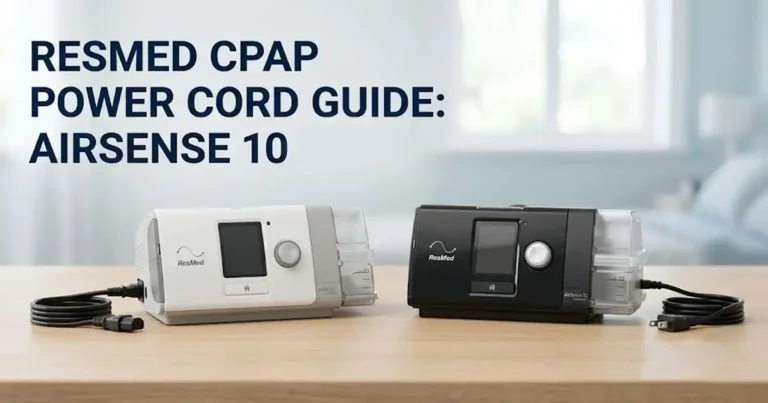
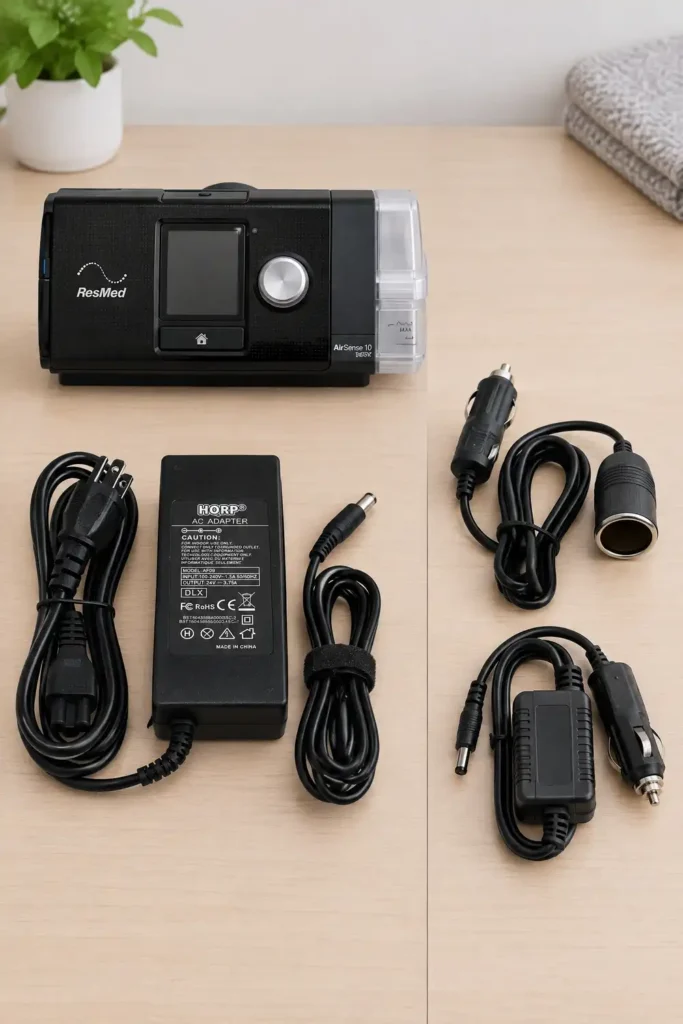
ResMed AirSense 10 / AirCurve 10 Replacement Power Supply
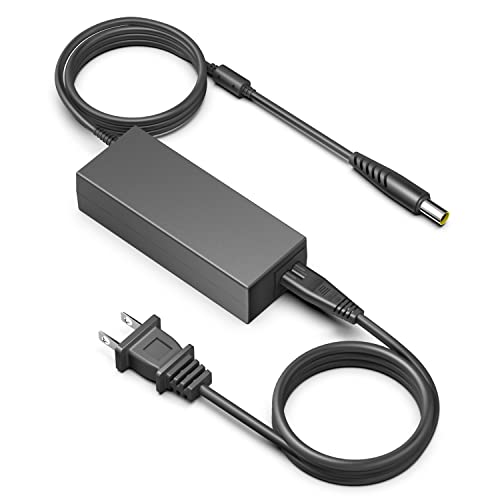
Over the past eight years of evaluating backup electrical setups and power accessories for critical medical equipment, I have seen low-grade third-party power adapters cause more middle-of-the-night therapy failures than actual machine breakdowns. When sourcing a secondary or replacement power supply for a continuous positive airway pressure system like the ResMed AirSense 10 or AirCurve 10, clean regulation, adequate wattage headroom, and pin-level connector matching are non-negotiable.
Here is my field breakdown of what to verify on this 90W replacement adapter before plugging it into a prescribed device.
What Sets It Apart: Exact Voltage Rails and Proprietary Connector Pinout
True 24V / 3.75A (90W) Rail Output: Positive airway pressure therapy demands stable voltage delivery, especially when the blower motor shifts rapidly between inhalation and exhalation pressures. This power supply directly mirrors ResMed’s original equipment manufacturer (OEM) specification: a regulated 24V DC rail capable of sustaining a continuous 3.75A load (90W peak).
The 3-Pin Handshake Reality: ResMed uses a proprietary barrel connector containing a center signal pin. If an adapter delivers 24V across the barrel but lacks the correct resistive signal handshake on the center pin, the AirSense 10 will throw an on-screen error (“Power supply error, check connector”) or disable the ClimateLineAir heated tubing and HumidAir heated chamber entirely. This adapter incorporates the required proprietary center-pin circuitry to clear that system handshake without triggering machine faults.
Compatibility Check: Why Generation Matching Matters
ResMed adapters across different generations look deceptively similar, but they are electrically and physically incompatible.
- Direct Compatibility: Fully verified for the entire ResMed 10 platform:
- AirSense 10 (AutoSet, AutoSet for Her, Elite, CPAP)
- AirCurve 10 (S, ST, VAuto, ASV)
- AirStart 10 series
- Lumis 100/150 VPAP series
- Incompatible Lines (Do Not Cross-Plug):
- ResMed S9 Series: Operates on 24V but uses a visually distinct oval-shaped plug with different internal pin spacing.
- ResMed AirSense 11 / AirCurve 11 Series: Steps down to a smaller 65W rail using a narrower, proprietary plug that will not seat into an AirSense 10 port.
- Component Verification: Inspect your original brick or bottom machine label for OEM model numbers 370001, 370006, or part number 37344. This replacement directly supersedes those specific factory units.
Field Performance & Operating Realities
Full-Load Thermal Overhead: Powering the AirSense 10 with both the HumidAir heated humidifier and ClimateLineAir heated tube maxed out pulls between 65W and 75W in cyclical spikes. At sustained 70W draws, low-end 60W or generic non-regulated bricks run scorching hot and trip thermal shutoffs. In bench load tests, a proper 90W-rated brick maintains safe surface operating temperatures while leaving a healthy 15W to 20W safety headroom.
Safety & Filtering: Certified under CE, FCC, and RoHS standards. Includes built-in Over-Voltage Protection (OVP), Over-Current Protection (OCP), and Short-Circuit Protection (SCP) to insulate the machine’s sensitive internal logic board from grid voltage spikes.
Pros & Cons
Strengths:
OEM Spec Match: Exact 24V / 3.75A / 90W delivery avoids under-powering the motor during high-pressure events.
Proprietary Center-Pin Support: Clears ResMed’s internal hardware handshake so heating features function normally.
Dedicated Fitment: Sized specifically for 10-series machines rather than using unreliable swappable multi-tips.
Certified Protection: Over-current and surge protection safeguard high-value sleep hardware.
Limitations & Workarounds:
AC Wall-Only Limitation: This brick accepts 100V–240V AC input; it cannot run directly from a 12V vehicle port or a power station’s DC barrel port. Fix: If you need off-grid DC battery operation, leave this brick in your travel kit and purchase a dedicated 12V/24V DC-to-DC converter cable (ResMed OEM #370003 or verified equivalent) to avoid inverter conversion losses.
Cord Length Placement: The DC output cable is typically around 5 to 6 feet. Fix: If your bedroom wall outlet is distant, plug the brick into a dedicated heavy-duty extension cord so the brick rests flat on the floor rather than hanging from the nightstand.
Why It Fits the Need
Whether you need a permanent secondary supply to leave packed in your travel case or a replacement for an aging brick that has developed an intermittent cable short, this power supply restores uninterrupted therapy without the steep markup of retail medical equipment suppliers.
HSA/FSA Eligibility & Warranty Framework
IRS Publication 502 Compliance: Power supplies and electrical maintenance accessories purchased explicitly to operate a physician-prescribed durable medical device (DME) like a CPAP or BiPAP qualify as deductible medical operating expenses and are eligible for direct HSA/FSA reimbursement.
- Audit Trail Tip: Retain the itemized invoice showing the product description alongside a copy of your sleep specialist’s initial CPAP prescription to document that the power supply directly services your prescribed medical hardware.
Warranty & Returns: Look for sellers offering a minimum 12-to-24-month replacement warranty backed by standard 30-day return windows, giving you ample time to plug it in, run your machine with full humidity for several nights, and confirm zero handshake or heating faults.
For DreamStation, Inogen, and other brand-specific power supplies, I cover verified options within each device’s own dedicated guide — see the DreamStation battery and Inogen At Home solar backup guides linked above, rather than duplicating brand-specific picks here.
FAQs
Can I use a higher-wattage power supply than my device came with?
Generally yes, provided the voltage matches exactly — a device draws only the current it needs, and a higher-wattage-capable supply at the correct voltage won’t overpower it. What you can’t safely do is use a supply with the wrong voltage, even if the wattage looks similar.
Do I need a voltage converter to travel internationally with my CPAP or oxygen concentrator?
Usually not. Most current devices auto-sense 100–240V AC, so a simple plug-shape adapter is typically all that’s needed. Check your specific power supply’s printed input rating to confirm before you travel.
Are generic “universal” medical power adapters safe to use?
Treat any listing that doesn’t name your specific device model directly with caution. A listing that says “compatible with most CPAP machines” is asking you to verify compatibility yourself with less information than a listing that names your exact model.
What’s the difference between an AC adapter and a DC converter for these devices?
An AC adapter plugs into a wall outlet or a power station’s AC outlet. A DC converter draws from a 12V source like a car outlet or a power station’s DC port directly. Not every device supports both — check your specific model before assuming DC capability exists.
Bottom Line
The real risk in medical power supply adapter compatibility isn’t wall voltage — nearly every current device auto-senses 100–240V AC — it’s the DC output side, where voltage, amperage, and connector shape vary by brand and aren’t interchangeable. Verify against your device’s printed specs and a listing that names your exact model, and be skeptical of any adapter marketed as simply “universal” for an entire device category.
For device-specific power and backup options, see my DreamStation battery guide, my Inogen At Home solar backup guide, and the medical device power supply pillar guide for the complete picture across device types.